Open navigation

Requesting a Title

Submitting a New Interlibrary Loan Request

  1. Enter your Username and Password, then click Sign In.
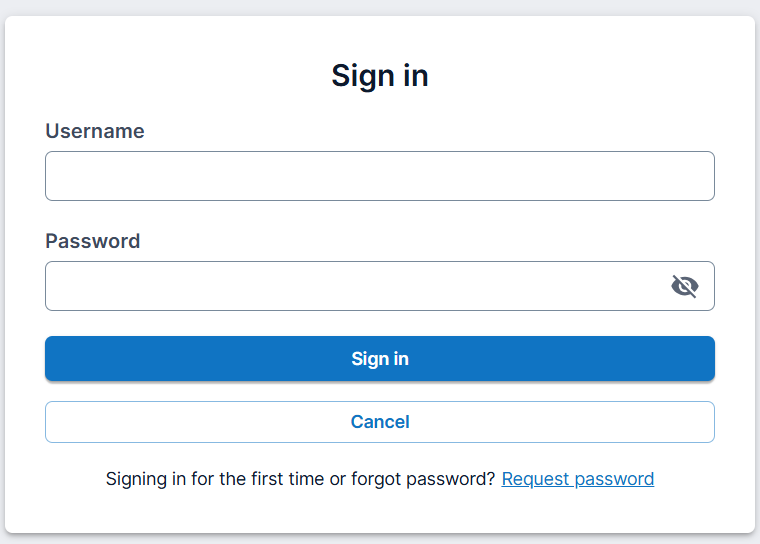
    Referral Center login screen with Username and Password fields

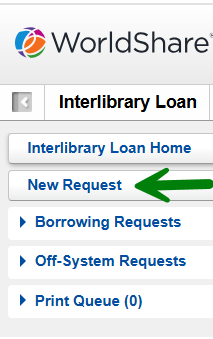
  2. Click New Request.

    Navigation menu highlighting the New Request button

  3. Enter the Title, Author, and choose a Format. Add any other pertinent information in the provided fields.
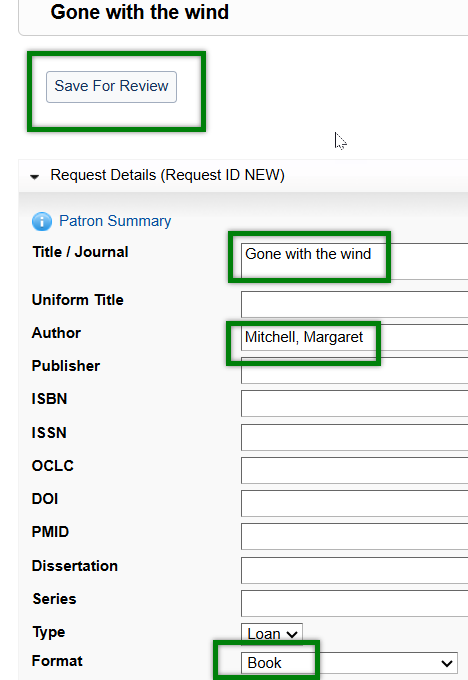
    Request form showing fields for Title, Author, and Format selection

  4. Click Save For Review.
  5. A confirmation message will be displayed stating the request was successfully submitted.

    Confirmation message at the top of the screen stating 'Request successfully submitted'

Was this article helpful?

That’s Great!

Thank you for your feedback

Sorry! We couldn't be helpful

Thank you for your feedback

Let us know how can we improve this article!

Select at least one of the reasons
CAPTCHA verification is required.

Feedback sent

We appreciate your effort and will try to fix the article