Use this guide if a hold status shows as Available in the system, but the physical item cannot be located on your library's holdshelf.
Verify the Current Location
Open the Item Search wizard and look up the item. Check the Current Location field to determine the next steps.
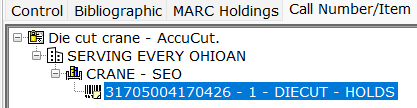
Scenario A: Current Location is "HOLDS"
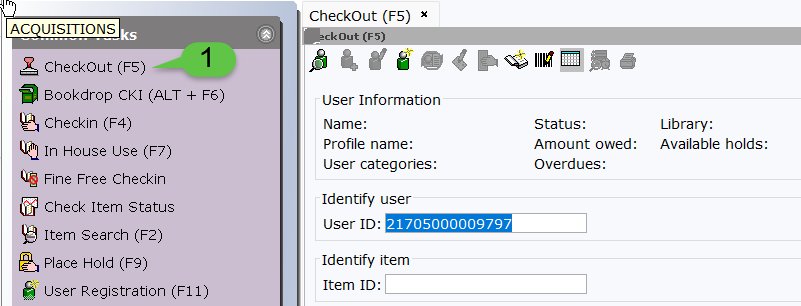
- Open the Checkout wizard under the CIRC toolbar and pull up the patron's record.
- Go to the Holds tab and locate the specific hold.
- Verify that the Pickup at library is set to your specific location.
- If the Pickup Library is incorrect:
- Right-click the hold and select Modify Hold.
- Use the dropdown menu to select your library and click OK.
- Call the library that was originally selected and ask them to check the item in. This will trigger a transit to your library.
- If the Pickup Library is correct:
- If it is your item and cannot be found, check it out to your library's special MISSING user (e.g., LOUMISSING, GVPMISSING).
- If it is another library's item, contact that library so they can check it out to their MISSING user.
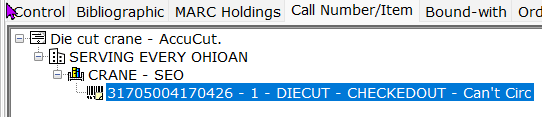
Scenario B: Current Location is "CHECKEDOUT"
- Check the patron's record to ensure the hold is still active. If it is gone, place a new hold.
- Contact SEO if you need to manually adjust the patron's position in the hold queue.
Scenario C: Current Location is "INTRANSIT"
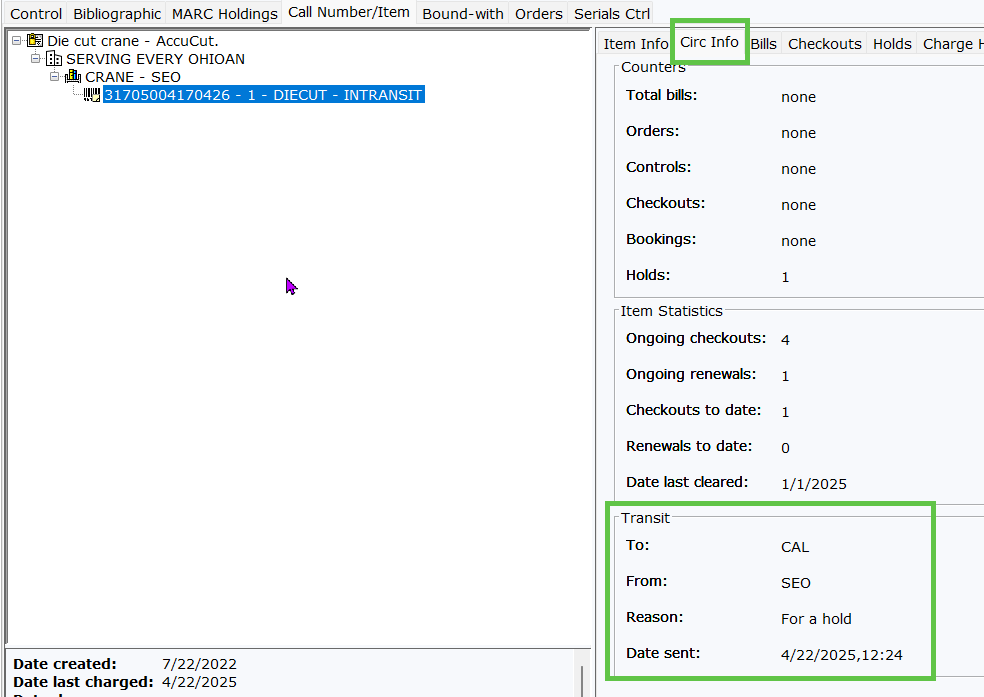
Click on the Circ Info tab to view detailed transit information, including which library sent the item and when.