Reordering a Closed Interlibrary Loan Request
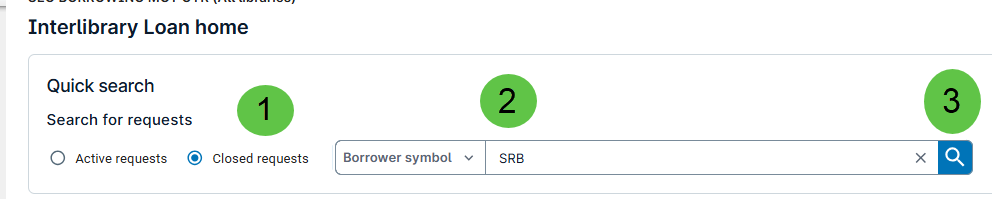
- Select the Closed Request radio button.
- Enter your Borrower Symbol.
- Click the Search icon.
- Click on the IDof the item you wish to reorder.

- Click New.

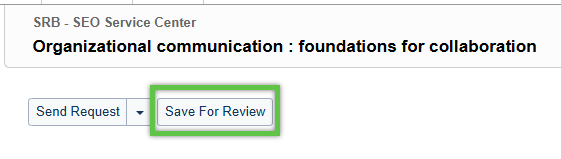
- Click Save for Review.
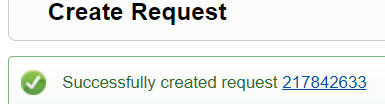
- You will receive a confirmation that the item was requested.