Printing Book Straps and Stickers for ILL Items
- Enter the Request ID and click the Search Icon.

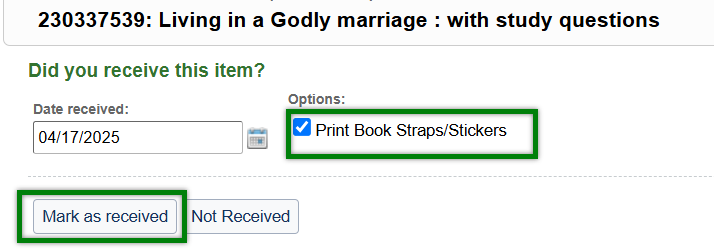
- Place a check mark in the Print Book Straps/Stickers box and click the Mark as receivedtab.
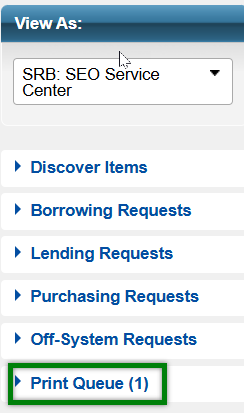
- Click the Print Queuetab.
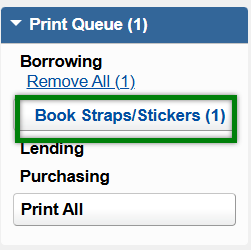
- Under the Print Queue, click the Book Straps/Stickerstab.
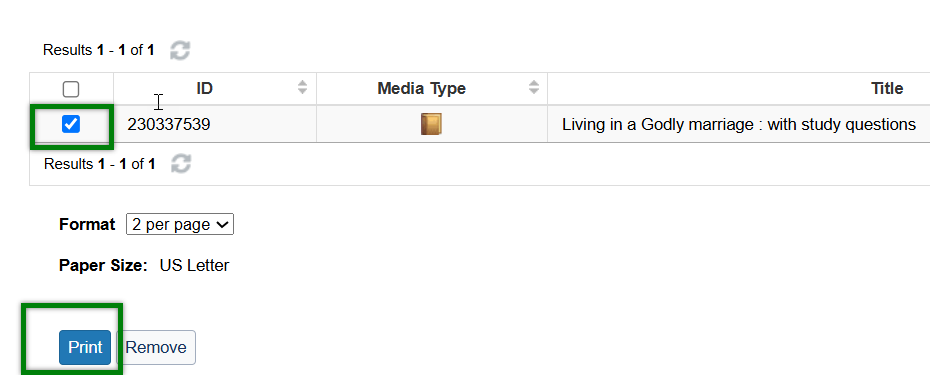
- Select the boxes for the items you would like to print straps for and click Print.
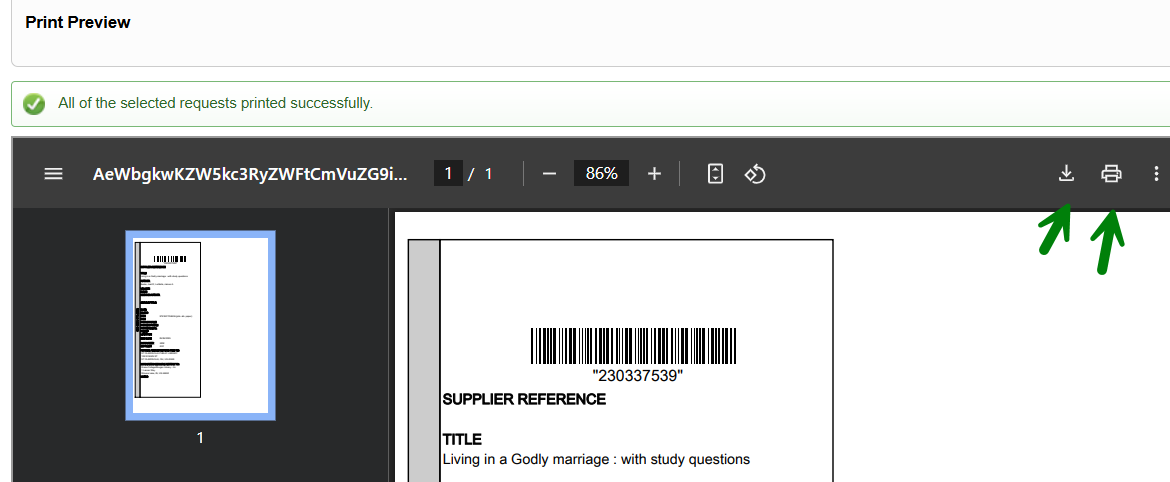
- Click on the print iconand choose your default printer. Book straps may also be downloaded as a file.