Accessing BLUEcloud Analytics (BCA)
Follow these steps to log in to the reporting platform and navigate to the SEO shared reports collection.
- Navigate to the BLUEcloud Analytics login page at: http://seolib.org/bca.
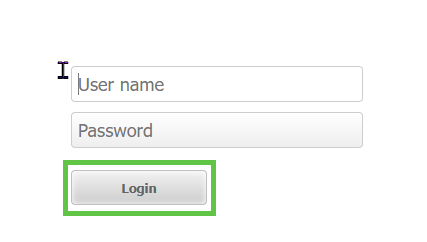
- Enter your provided username and password, then click the Login button.
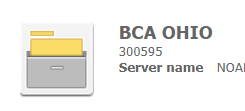
- Locate and click the BCA OHIO project icon to enter the main reporting area.
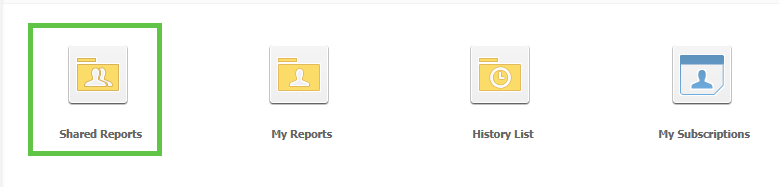
- From the home screen, click the Shared Reports icon.
- Click on the SEO REPORTS folder.
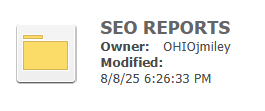
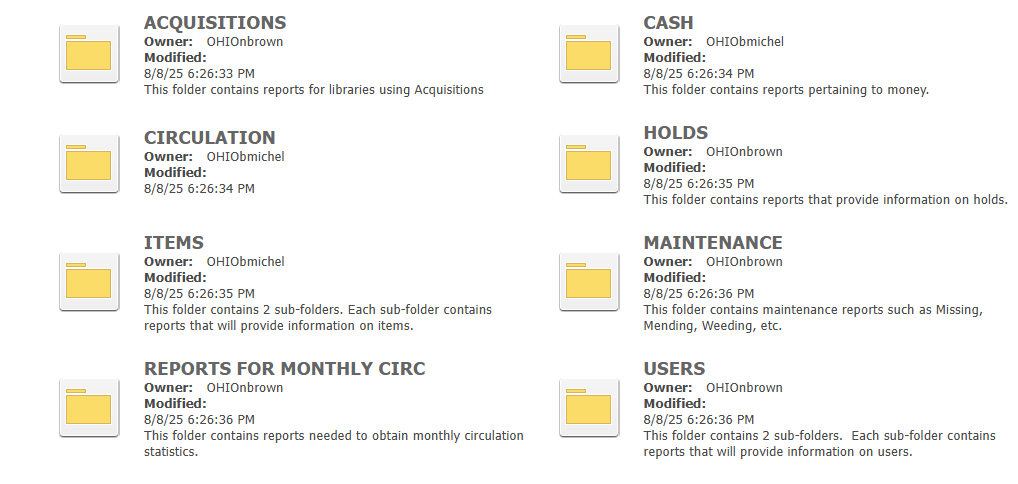
- Inside, you will find various sub-folders organized by subject. Click any folder to view the specific reports available within that category.